Java.perform(function () {
   var act = Java.use("android.app.Activity");
   act.getIntent.overload().implementation = function () {
     var intent = this.getIntent()
     var cp = intent.getComponent()
     console.log("Starting " + cp.getPackageName() + "/" + cp.getClassName())
     var ext = intent.getExtras();

     console.log(intent)
     if (ext) {
       console.log(ext)
       var keys = ext.keySet()
       var iterator = keys.iterator()
       while (iterator.hasNext()) {
         var k = iterator.next().toString()
         var v = ext.get(k)
         console.log("\t" + v.getClass().getName())
         console.log("\t" + k + ' : ' + v.toString())
       }
     }
   return intent;
   };
})#
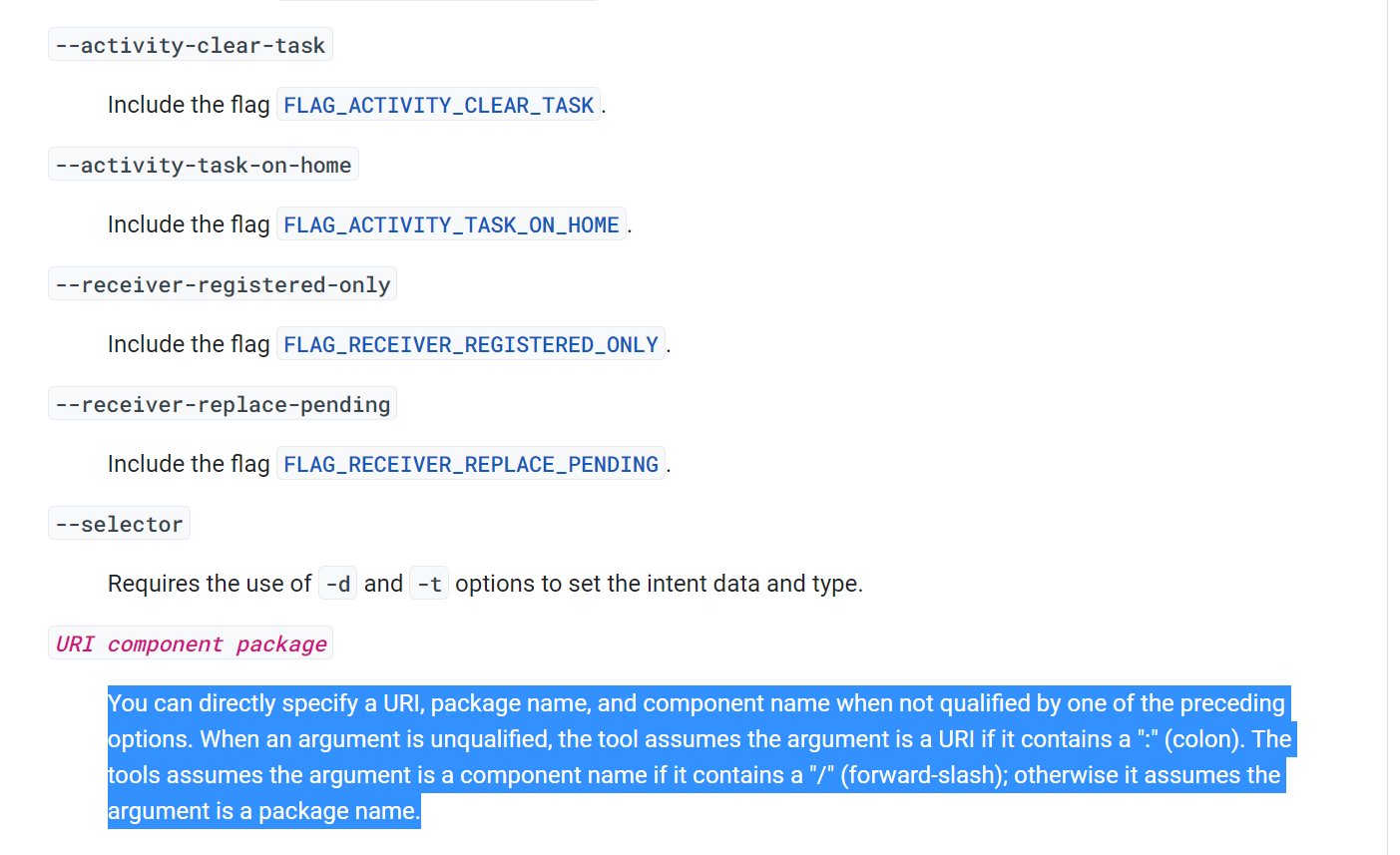
You can directly specify a URI, package name, and component name when not qualified by one of the preceding options. When an argument is unqualified, the tool assumes the argument is a URI if it contains a “:” (colon). The tools assumes the argument is a component name if it contains a “/“ (forward-slash); otherwise it assumes the argument is a package name.