Javascript模拟Touch事件
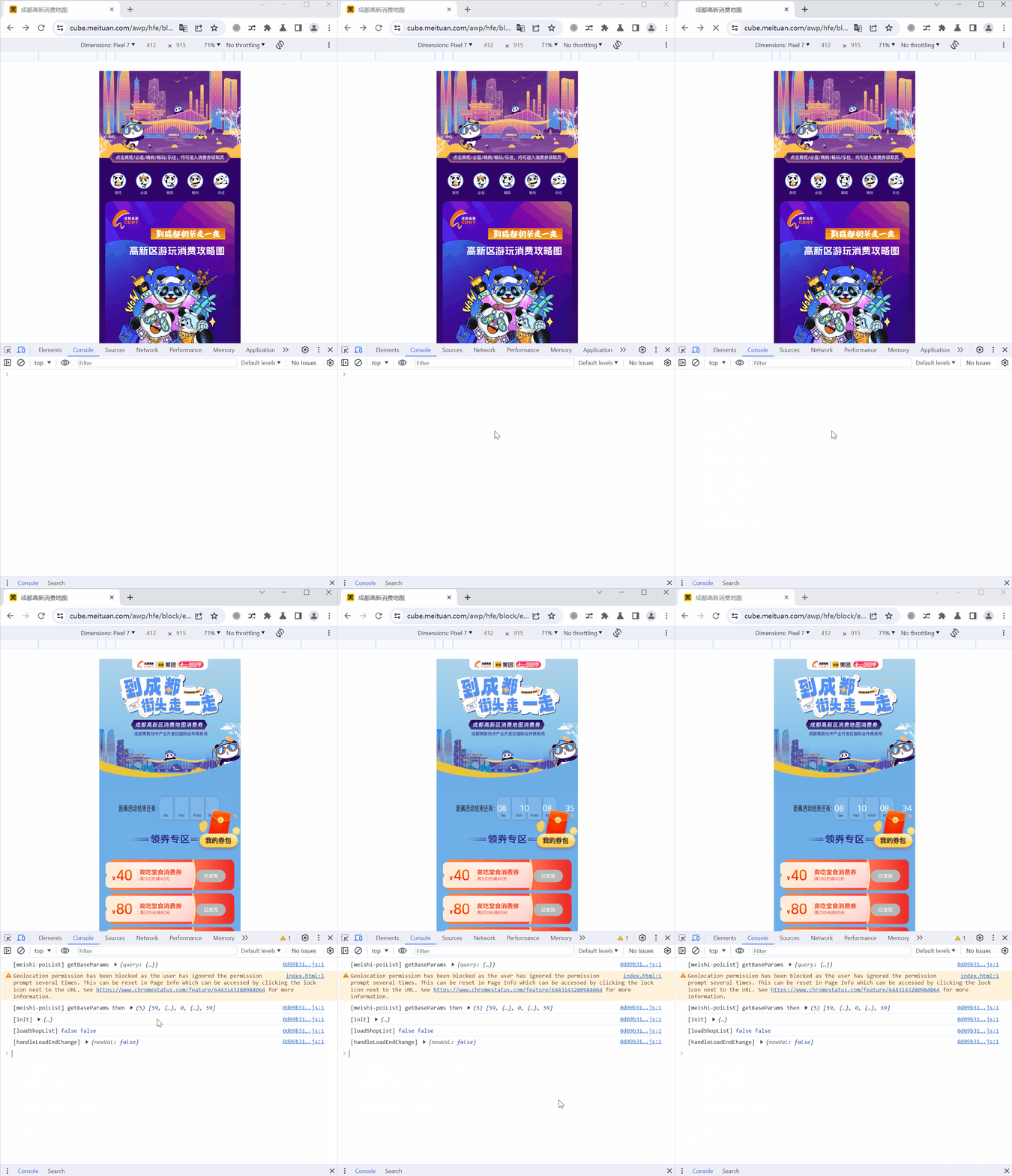
https://cube.meituan.com/awp/hfe/block/f47701d57131/258034/index.html
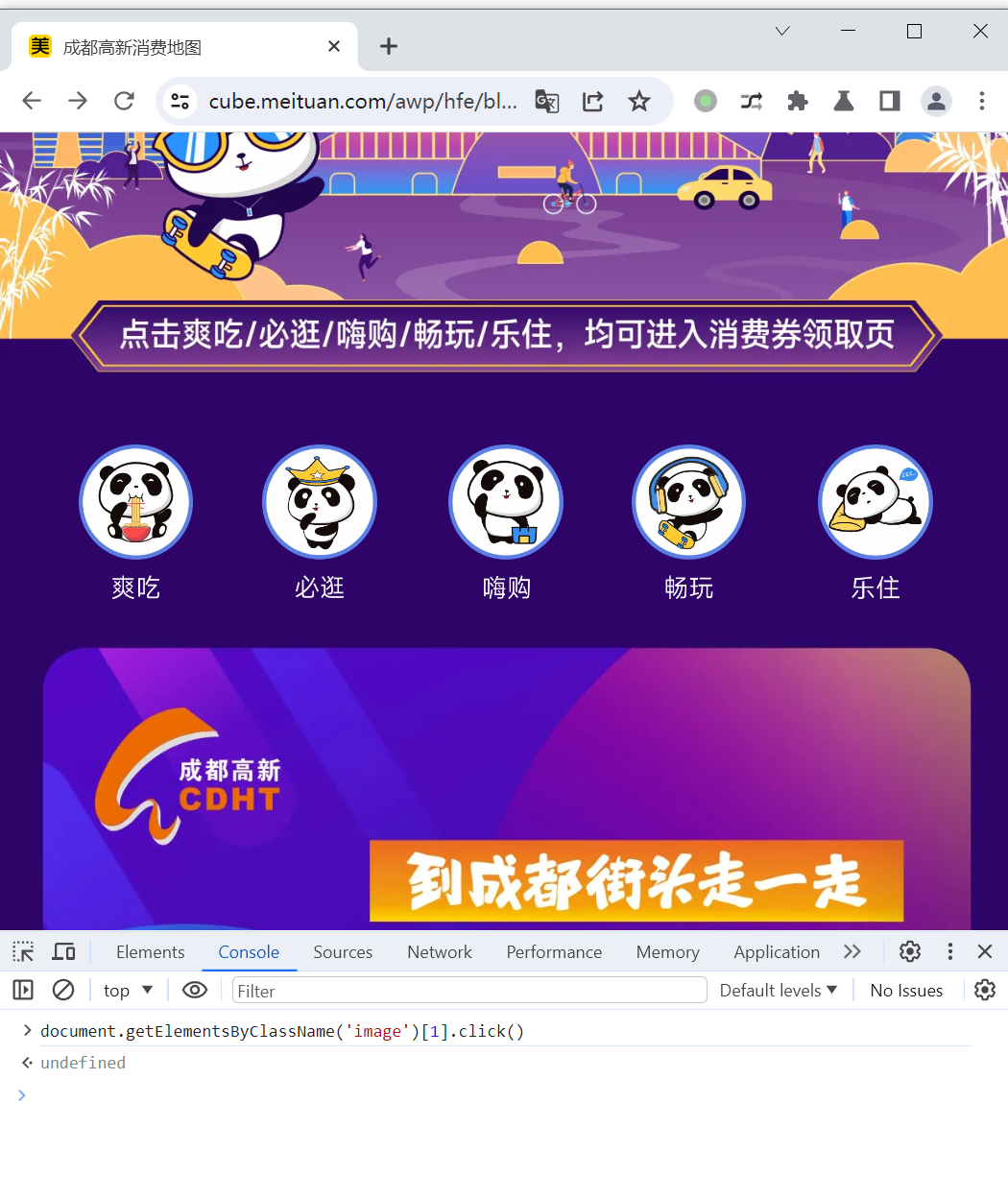
使用以下代码尝试触发点击事件失败。
| document.getElementsByClassName('image')[1].click()
|
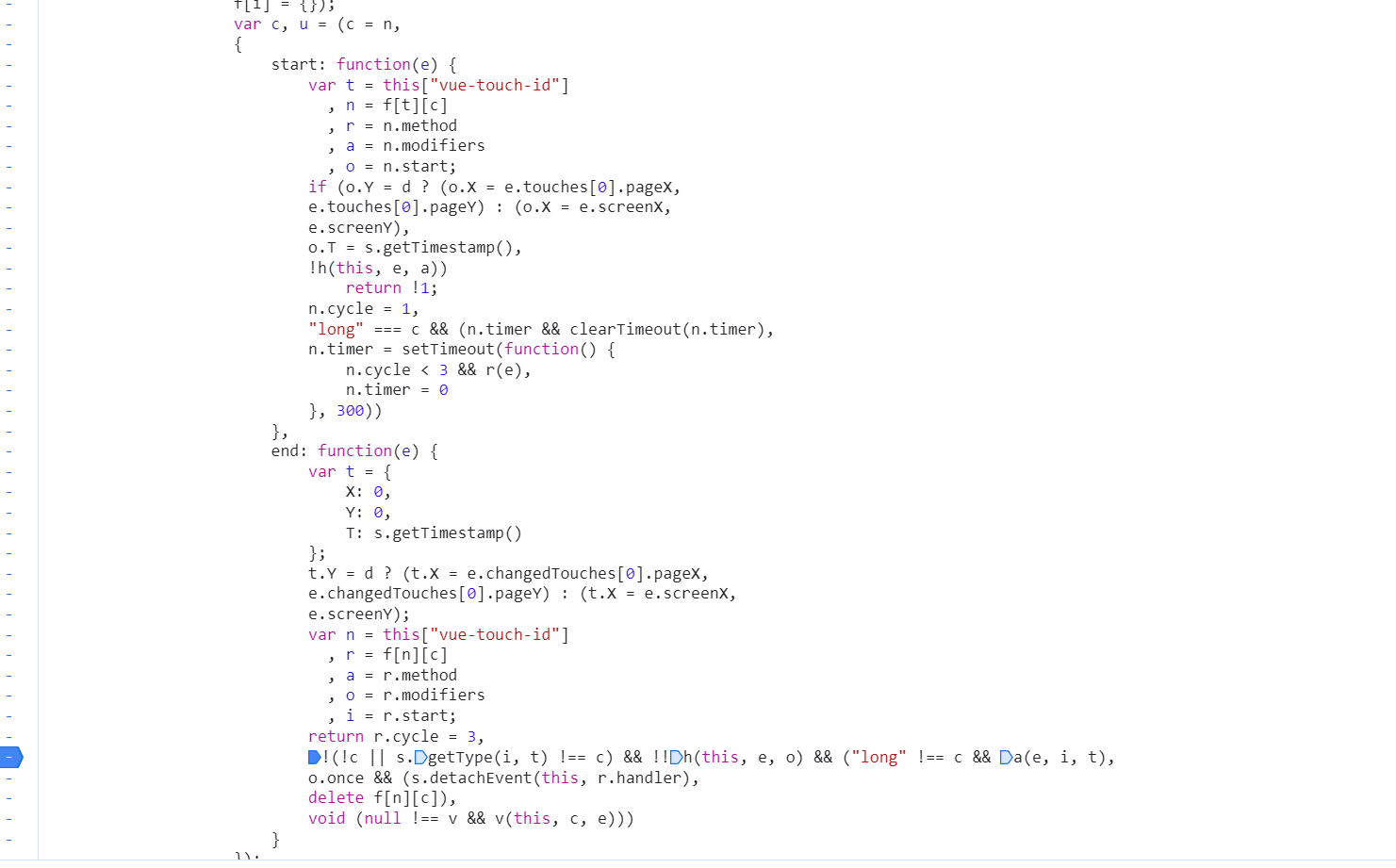
检查代码,发现使用了第三方库vue-directive-touch
https://github.com/fifthThirteen/vue-directive-touch/blob/master/src/index.js#L108
在PC浏览器中可以使用mousedown,mouseup事件触发,在移动端设备浏览器中需要使用touchstart,touchend事件触发。
PC:
| var ele = document.getElementsByClassName('image')[1]
var event_mousedown = new MouseEvent('mousedown')
ele.dispatchEvent(event_mousedown);
setTimeout(function () {
var event_mouseup = new MouseEvent('mouseup')
ele.dispatchEvent(event_mouseup);
}, 100)
|
移动端:
1
2
3
4
5
6
7
8
9
10
11
12
13
14
15
16
17
18
19
20
21
22
23
24
25
26
27
28
29
30
31
32
33
34
35
36
37
38
39
40
| var ele = document.getElementsByClassName('image')[1]
var rect = ele.getBoundingClientRect();
var touch = new Touch({
"identifier": 0,
"target": ele,
"clientX": (rect.left + rect.right) / 2,
"clientY": (rect.top + rect.bottom) / 2,
"screenX": (rect.left + rect.right) / 2,
"screenY": (rect.top + rect.bottom) / 2,
"pageX": (rect.left + rect.right) / 2,
"pageY": (rect.top + rect.bottom) / 2,
"radiusX": 11.5,
"radiusY": 11.5,
"rotationAngle": 0.0,
"force": 1
});
var touchstart = new TouchEvent("touchstart", {
cancelable: true,
bubbles: true,
composed: true,
touches: [touch],
targetTouches: [touch],
changedTouches: [touch]
});
var touchend = new TouchEvent("touchend", {
cancelable: true,
bubbles: true,
composed: true,
touches: [touch],
targetTouches: [touch],
changedTouches: [touch]
});
ele.dispatchEvent(touchstart);
setTimeout(function(){
ele.dispatchEvent(touchend);
}, 100)
|
演示:
PC
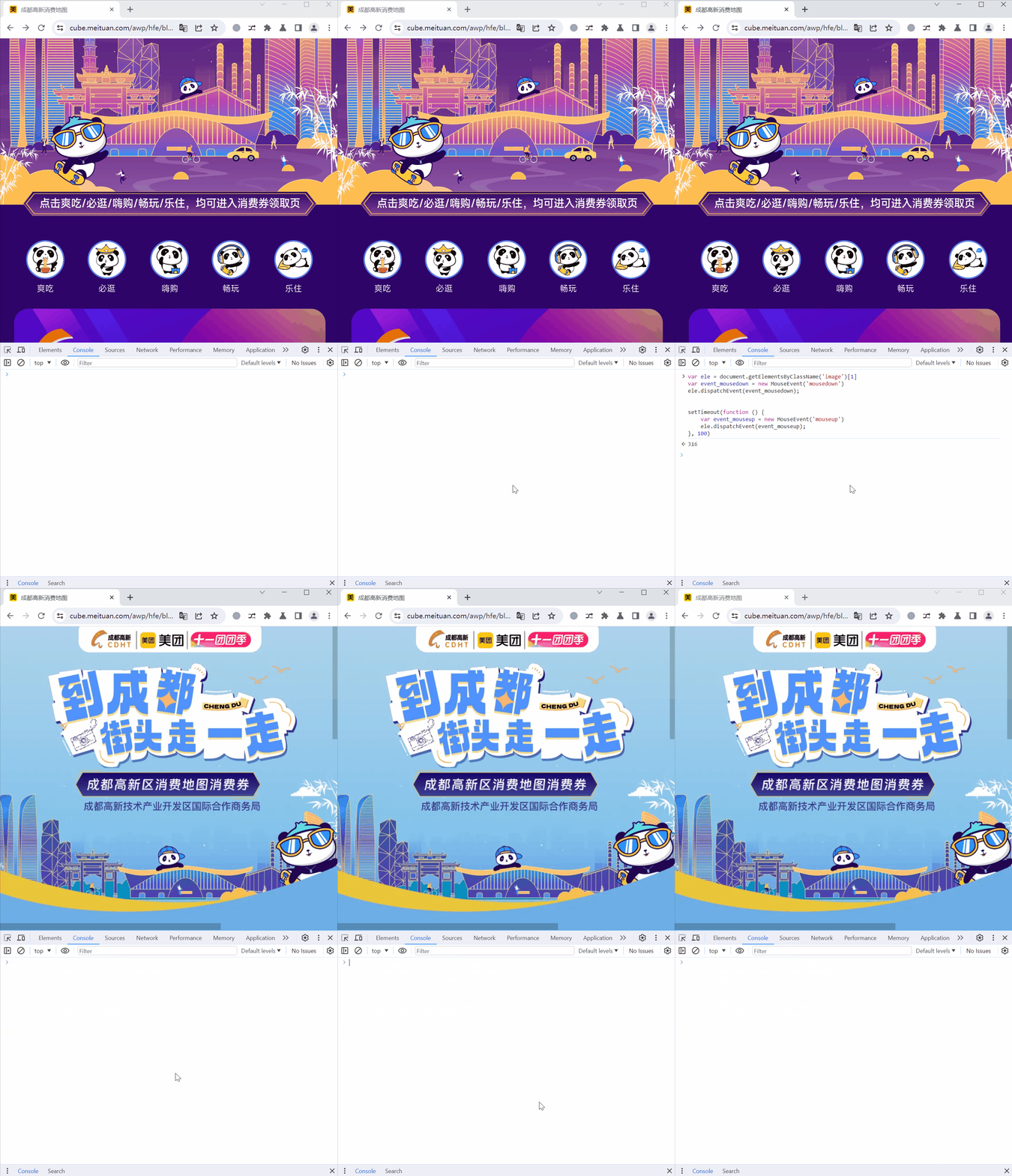
移动端