因某些原因需要调试小程序,之前就在网上看到了开启小程序调试模式的方法。之前看到的是使用DLL劫持的方法(version.dll)注入HOOK代码,开启调试模式。但原仓库已经和谐了,网上找到了version.dll文件,但不知道是微信版本的问题还是其他原因,没有成功。搜索后看到了基于frida hook的WeChatOpenDevTools,尝试使用这个仓库中的代码开启微信小程序调试模式。
Frida on Windows
Github上的WeChatOpenDevTools使用起来略复杂,需要安装node-gyp,安装node-gyp又需要庞大的Visual Studio,看了下代码,实际上只是用frida Hook了WeChatAppEx.exe,于是尝试使用python或frida-tools注入仓库中的frida hook代码。
安装Frida。
| pip config set global.index-url https://pypi.tuna.tsinghua.edu.cn/simple
pip install frida frida-tools
|
下载运行frida-server(方便远程连接、开发)。
| frida-server-16.1.10-windows-x86_64.exe -l 0.0.0.0:7777
|
查询小程序主线程。
| wmic process where "name='WeChatAppEx.exe' and not commandline like '%type=%'" get processid, caption, commandline
|
执行注入
| frida -H 127.0.0.1:7777 -l ./hook_WeChatAppEx.js -p 2940
|
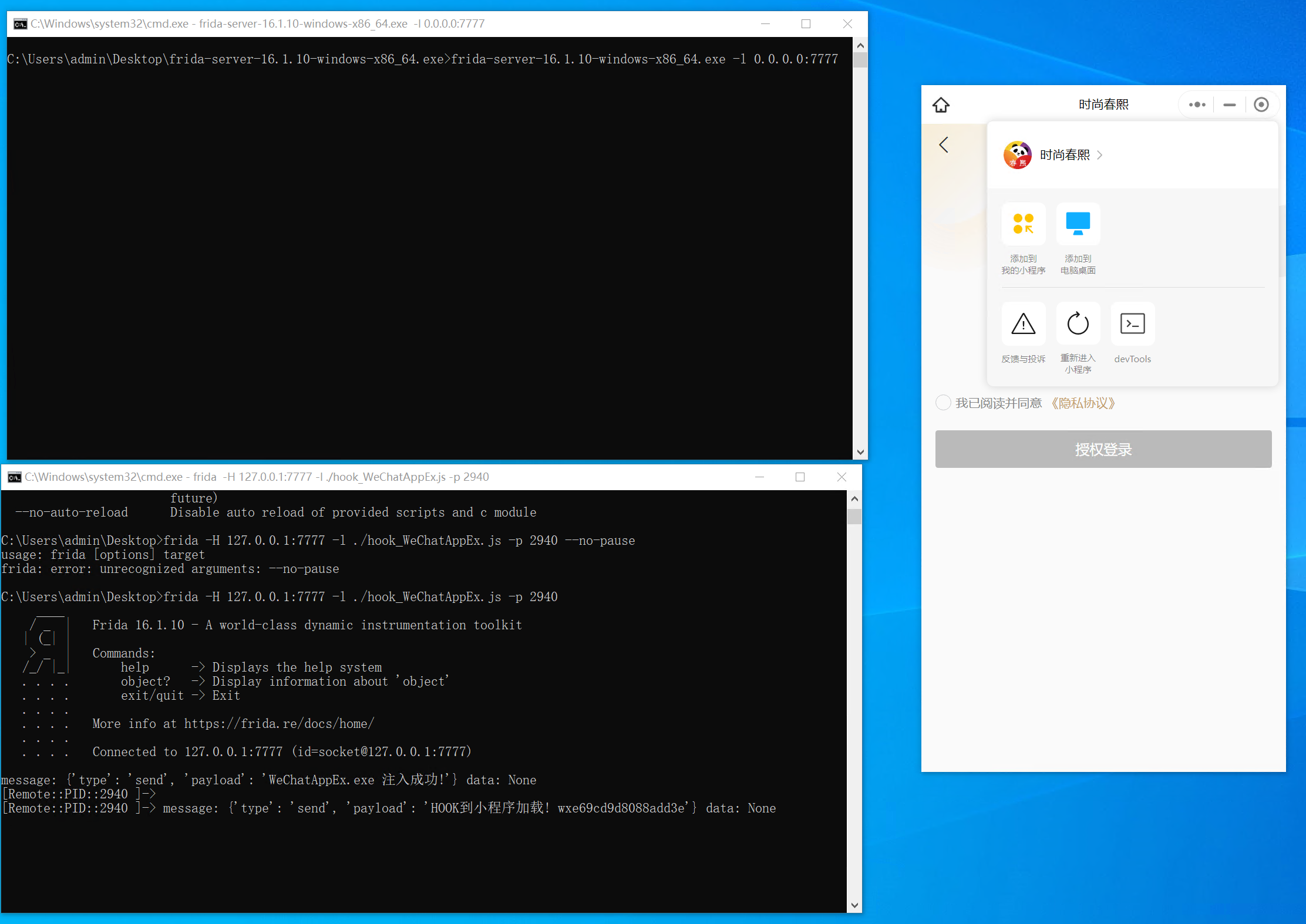
开启调试模式后
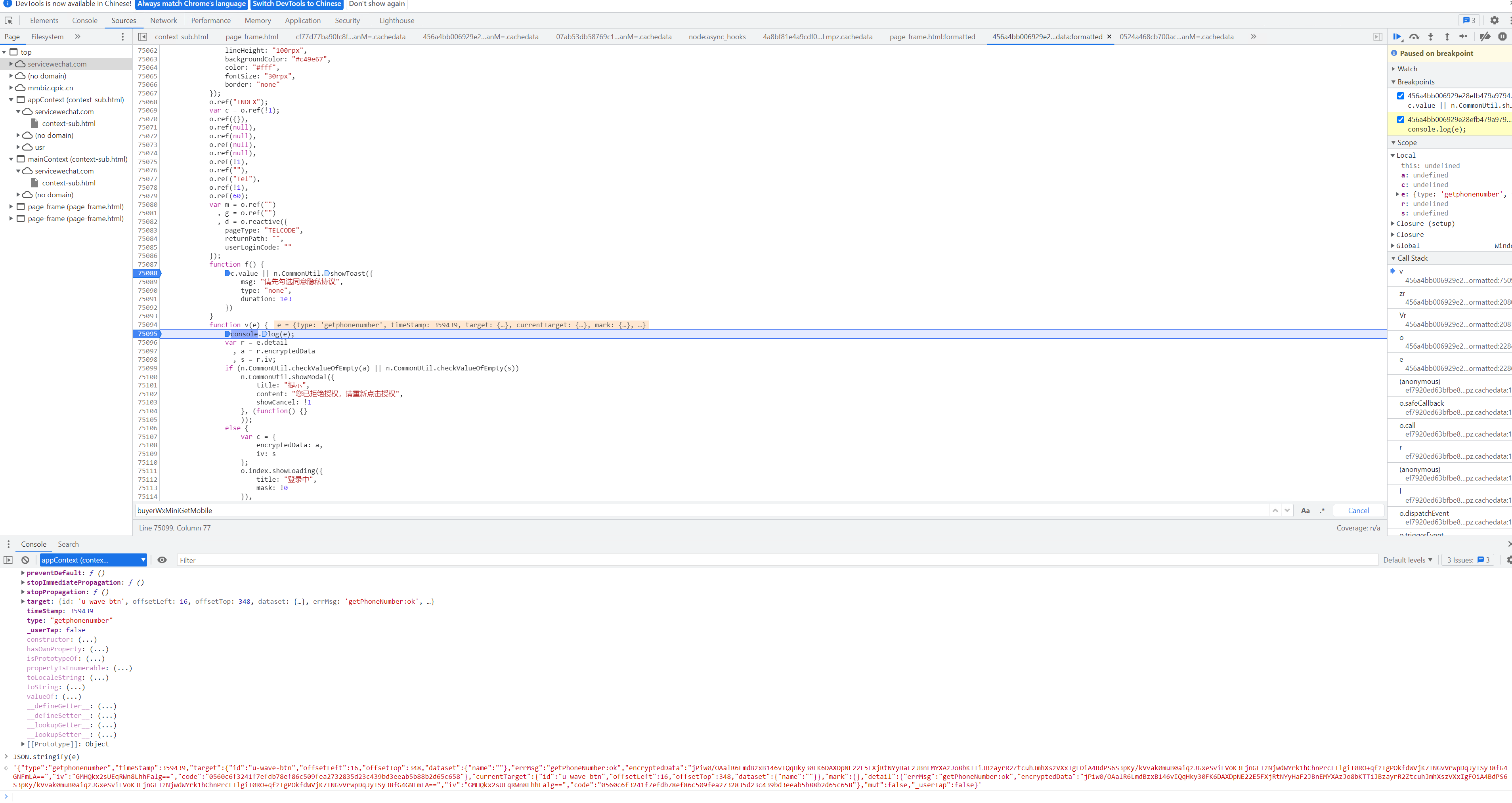
调试截图
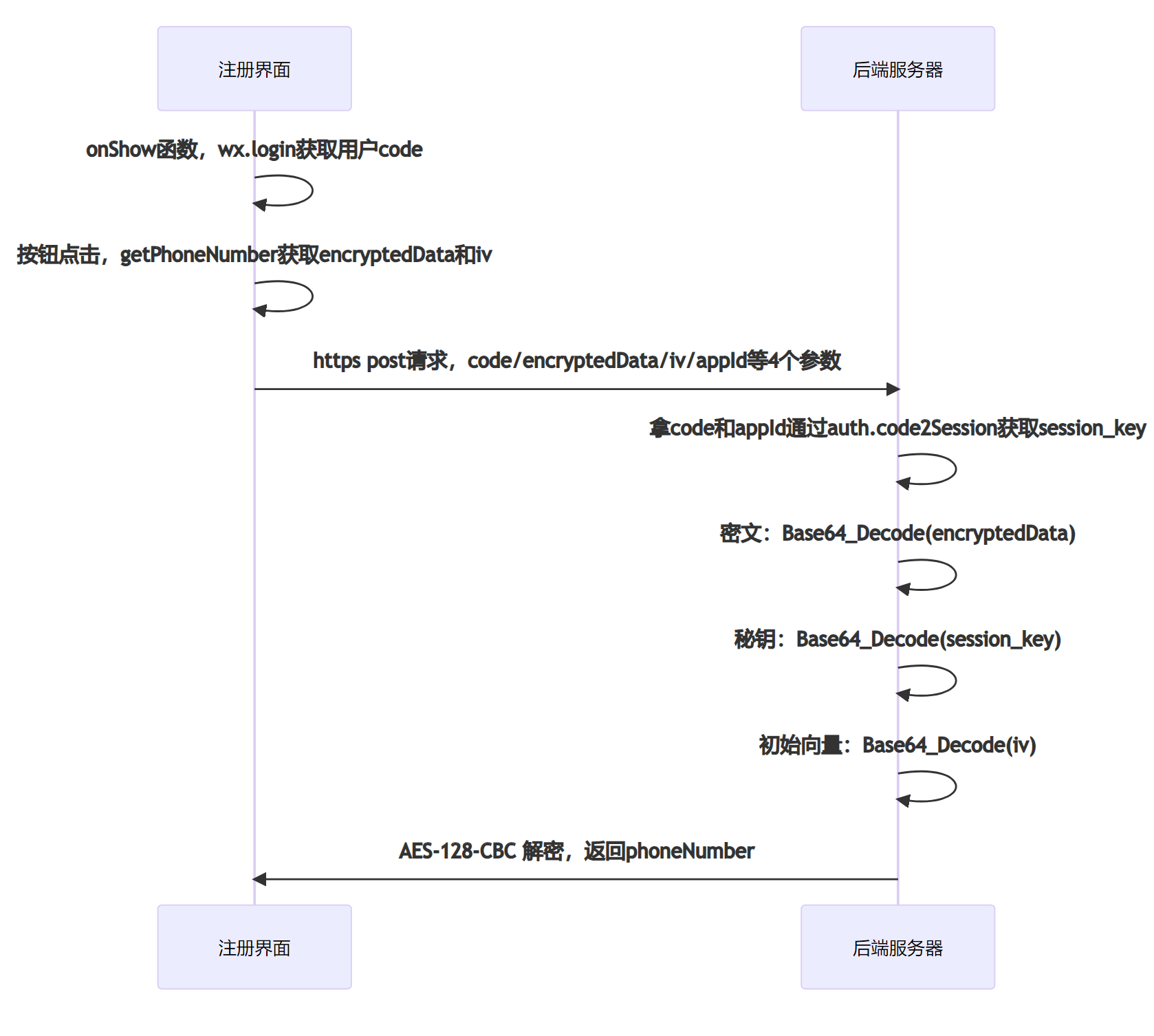
笔记
基于特征码Hook
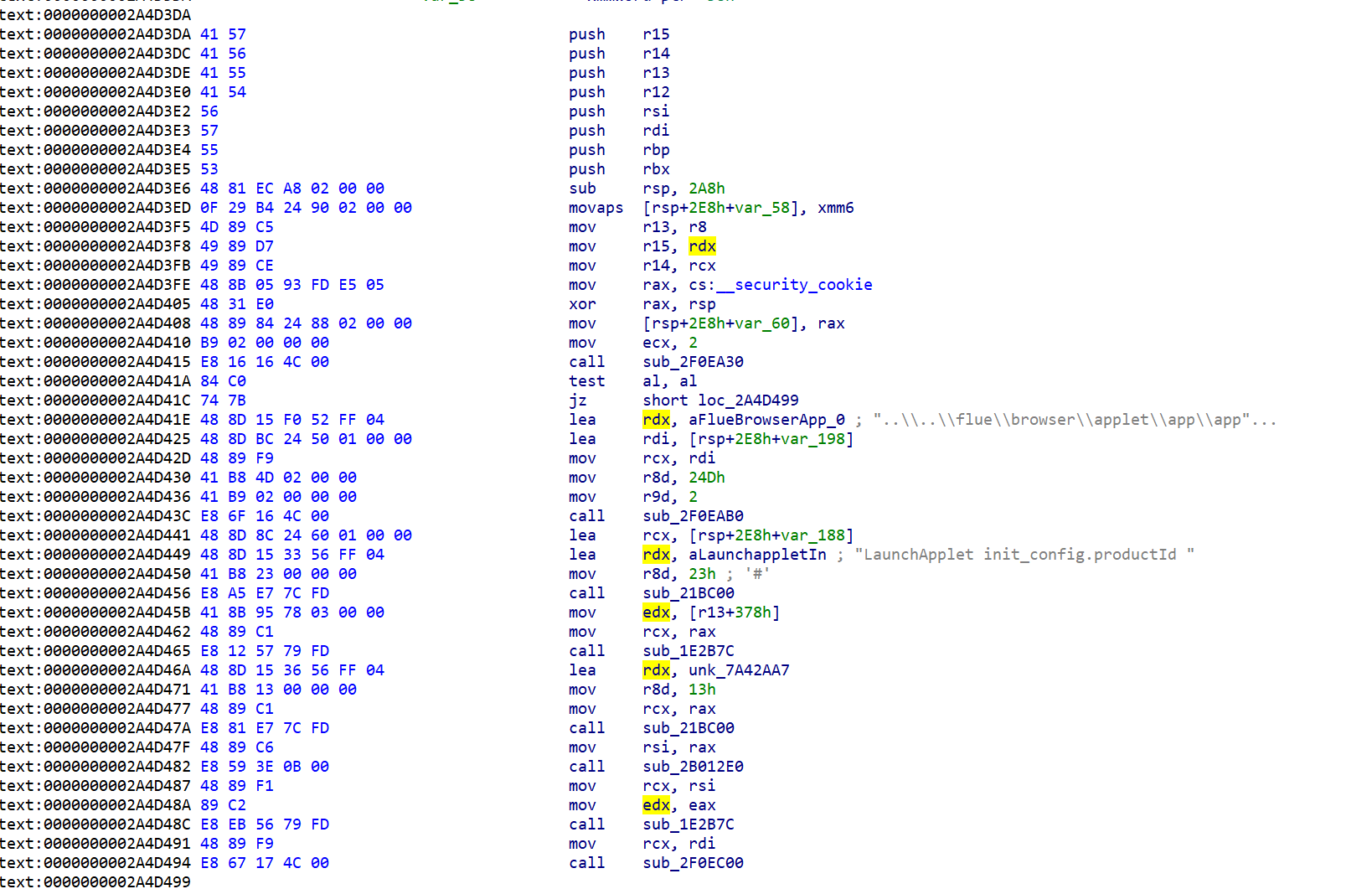
WeChatOpenDevTools 对微信小程序版本有限制,如果需要适配不同版本,需要使用IDA等反编译工具找到对应的地址,但WeChatAppEx.exe文件太大(140MB以上),IDA打开后要分析数个小时。于是尝试使用Frida在内存中搜索特征码,获得hook地址。
一共需要三个地址:
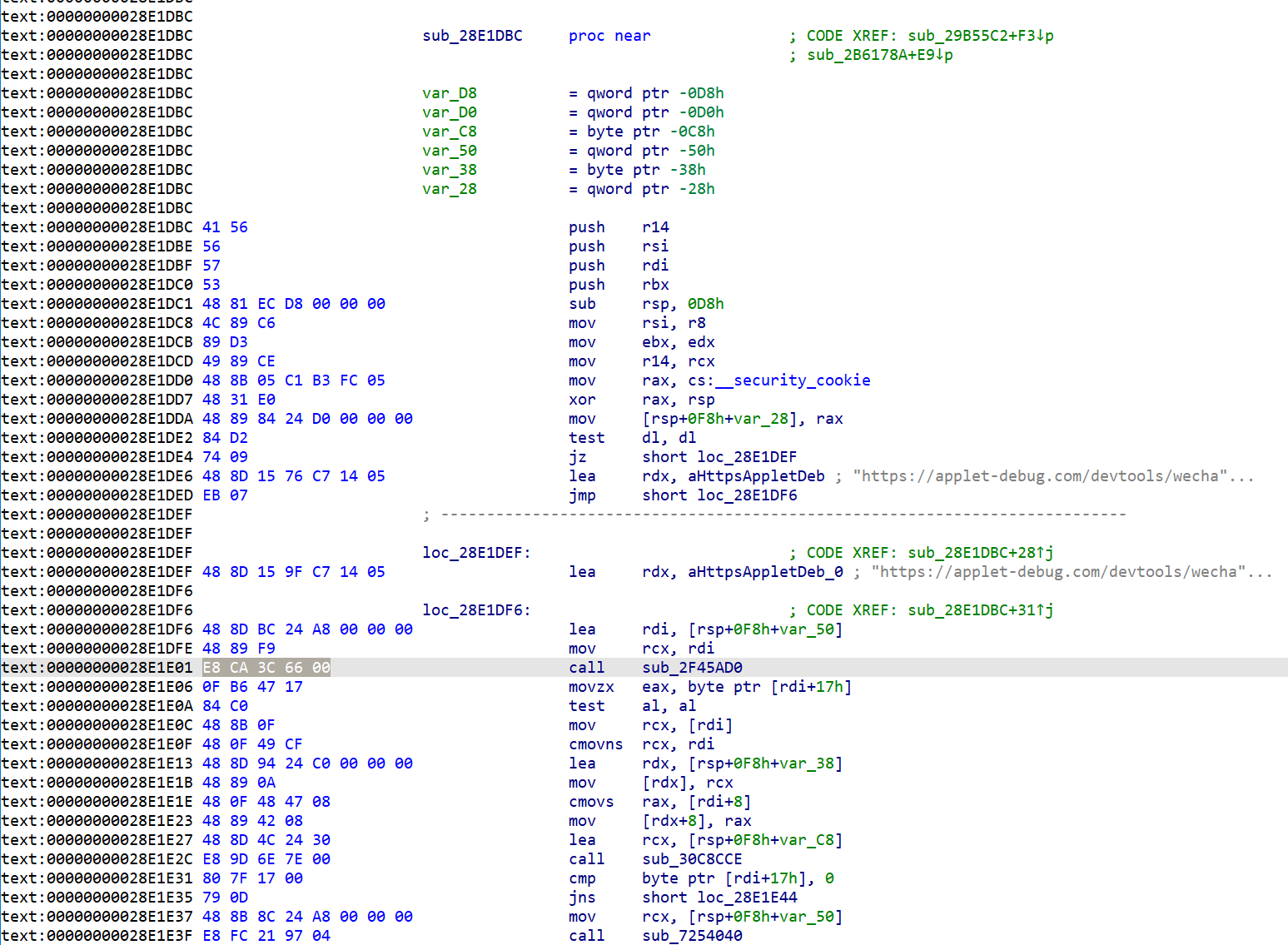
- 小程序启动函数,这儿能修改启动参数,打开devtools开关。 可根据字符串
LaunchApplet init_config.productId引用定位。
- URL
https://applet-debug.com/devtools/wechat_web.html 地址。
- 设置URL的函数,通过URL引用能定位。
1
2
3
4
5
6
7
8
9
10
11
12
13
14
15
16
17
18
19
20
21
22
23
24
25
26
27
28
29
30
31
32
33
34
35
36
37
38
39
40
41
42
43
44
45
46
47
48
49
50
51
52
53
54
55
56
57
58
59
60
61
62
63
64
65
66
67
68
69
70
71
72
73
74
75
76
77
78
79
80
81
82
83
84
85
86
87
88
89
90
91
92
93
94
95
96
97
98
99
100
101
102
| function readStdString(s) {
var flag = s.add(23).readU8()
if (flag == 0x80) {
var size = s.add(8).readUInt()
return s.readPointer().readUtf8String(size)
} else {
return s.readUtf8String(flag)
}
}
function writeStdString(s, content) {
var flag = s.add(23).readU8()
if (flag == 0x80) {
var orisize = s.add(8).readUInt()
if (content.length > orisize) {
throw "must below orisize!"
}
s.readPointer().writeUtf8String(content)
s.add(8).writeUInt(content.length)
} else {
if (content.length > 22) {
throw "max 23 for stack str"
}
s.writeUtf8String(content)
s.add(23).writeU8(content.length)
}
}
function main() {
var module = Process.findModuleByName("WeChatAppEx.exe")
const base = module.base
const pattern = '48 81 EC A8 02 00 00 0F 29 B4 24 90 02 00 00 4D 89 C5 49 89 D7 49 89 CE'
const results = Memory.scanSync(module.base, 0x9109200, pattern)
if (results.length == 0) {
console.log('not found1')
return
} else {
console.log('found pattern...')
}
const LaunchAppletBegin = results[0].address.sub(1)
console.log('LaunchAppletBegin:', LaunchAppletBegin)
const pattern2 = '74 09 48 8D 15 ?? ?? ?? ?? EB 07 48 8D 15 ?? ?? ?? ?? 48 8D BC 24 ?? ?? ?? ?? 48 89 F9 E8'
const results2 = Memory.scanSync(module.base, 0x9109200, pattern2)
if (results2.length == 0) {
console.log('not found2')
return
} else {
console.log('found pattern2...')
}
const devtools_ver_switch_func_addr = results2[0].address.add(29)
console.log('devtools_ver_switch_func_addr:', devtools_ver_switch_func_addr)
const pattern3 = '68 74 74 70 73 3a 2f 2f 61 70 70 6c 65 74 2d 64 65 62 75 67 2e 63 6f 6d 2f 64 65 76 74 6f 6f 6c 73 2f 77 65 63 68 61 74 5f 77 65 62 2e 68 74 6d 6c'
const results3 = Memory.scanSync(module.base, 0x9109200, pattern3)
if (results3.length == 0) {
console.log('not found3')
return
} else {
console.log('found pattern3...')
}
const url_addr = results3[0].address
console.log('url_addr:', url_addr)
Interceptor.attach(devtools_ver_switch_func_addr, {
onEnter(args) {
this.context.rdx = url_addr;
send("已还原完整F12")
}
})
Interceptor.attach(LaunchAppletBegin, {
onEnter(args) {
console.log("log2: " + args[1].readCString())
var wxappid = readStdString(args[1])
for (var i = 0; i < 0x1000; i += 8) {
try {
var s = readStdString(args[2].add(i))
if (s.indexOf('enable_vconsole') > -1) {
var s1 = s.replaceAll('"enable_vconsole":false', '"enable_vconsole":true')
writeStdString(args[2].add(i), s1)
}
} catch (a) {
}
}
}
})
}
main();
|
参考
https://github.com/shuaibibobo/WeChatOpenDevTools/